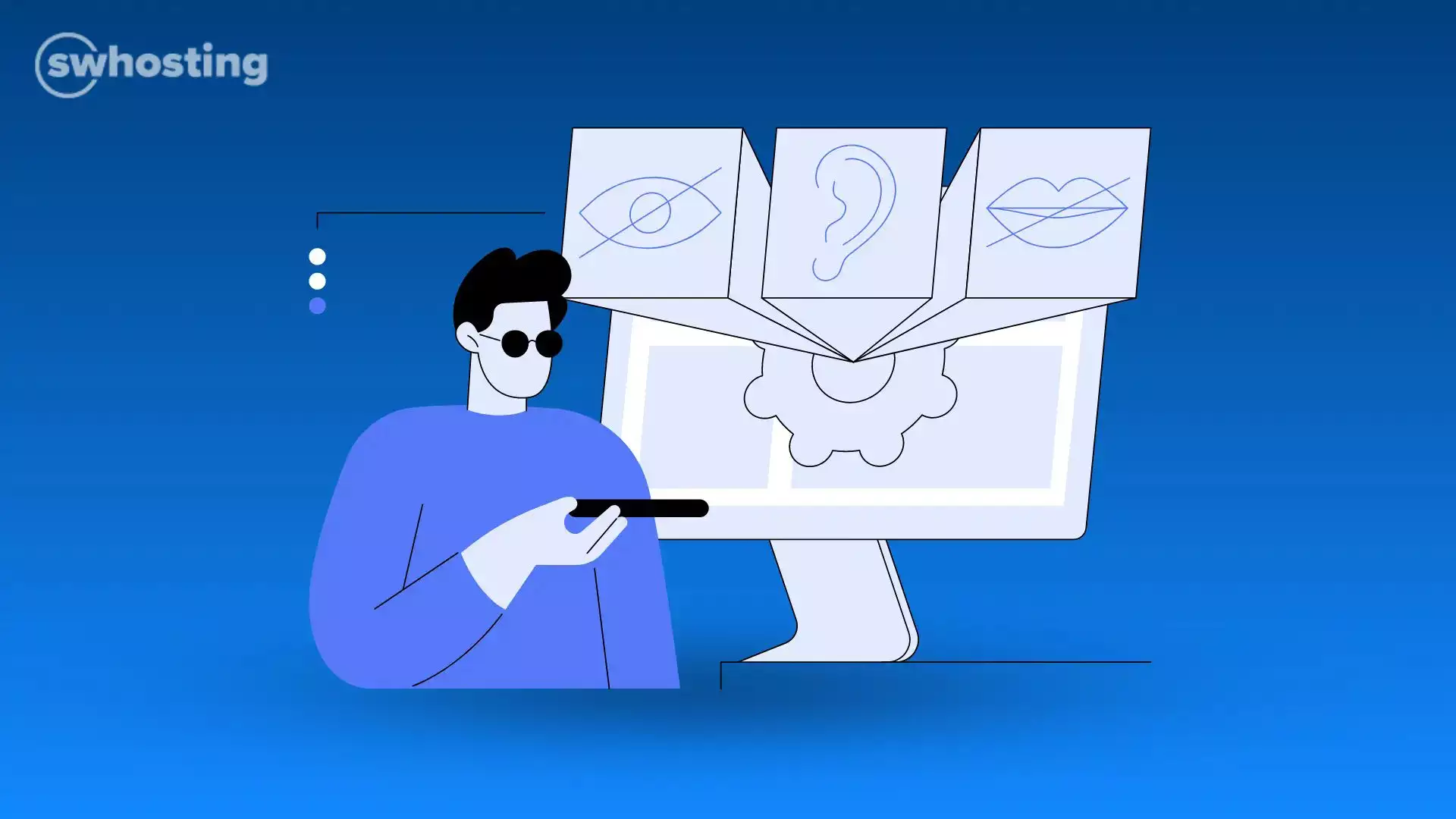
Web accessibility is not only for people with functional diversity, as is commonly believed. The advantages go beyond the fact that anyone can use a website without difficulties and that it is inclusive, whatever their knowledge, but it improves SEO by making it easier for bots to read, but it can also improve loading times due to the simplification of the structure.
❗ Given Law 11/2023, of May 8,all websites must be accessible by mid 2025 with mandatory compliance. Failure to comply with the stipulations of this new regulation may result in legal sanctions.
The requirement for the web to be totally universal and accessible to any type of person, is based on the words of its own creator Tim Berners-Lee:
The goal is to eliminate any existing barriers on the Internet, and that any person with cognitive, motor or sensory difficulties avoid being left out, achieving a real inclusion.
Do you need to host your accessible web and email domain? SWHosting can help you with its managed hosting services with SWPanel.
Our Hosting gives you the freedom to tailor your website to your brand and goals.
The WAI, Web Accessibility Initiative, is a division of W3 (https://www.w3.org/) with the goal of developing standards, strategies, techniques and resources for web accessibility. They can be grouped into three blocks, Web Content Accessibility Guidelines (WCAG), Authoring Tool Accessibility (ATAG) and User Agent Accessibility (UAAG).
💻 WCAG: These are standards for the creation of accessible content: programming languages, browsers or devices. Emphasis is placed on sizable fonts, predictive text, navigation assistance or adaptive designs, among others.
🛠️ ATAG: These are standards related to the development of applications and software for digital content, both its creation, management and publication.
👤 UAAG: These are standards oriented to the development of software for interaction related to web content, such as browsers (Mozilla Firefox or Google Chrome), or multimedia sound players.
The current applicable standard is WCAG 2.2, which came into force on October 5, 2023. In the current standard, web pages are classified according to their accessibility, establishing levels A, AA and AAA respectively.
Level A (minimum compliance) The least demanding of the accessibility levels that have some criteria approved, such as alternative text for images, or that the content is navigable by keyboard.
Level AA (medium compliance) It is required for entities issuing web accessibility certifications. It ensures the most common barriers, among them to take care of the contrast of colors by an adequate range, the structuring of web content in sequence, subtitles for audio and video, or audio descriptions.
Level AAA (maximum compliance) Of the three levels, this is the most demanding. It covers extended audio description, explanations of abbreviations, sign language for multimedia content, prevents pages from flashing or flickering more than three times per second, etc.
There are multiple ways to design a website with guaranteed accessibility. Here are some tips:
There are times, when a CMS theme cannot be edited. However, there are plugins that can help you with web accessibility. If you have a Wordpress, you have at your disposal the plugin One Click Accessibility to modify the text size and make adjustments to the contrast, WP Accessibility to exercise keyboard navigation, enable attributes to images, edit the color contrast, or Userway that lets you choose accessibility profiles and provides a wide range of possibilities, from highlighting links, hide images, stop animations, edit the contrast, etc.
For ecommerce Prestashop, there is "Accessibility Module", where it has screen reading, keyboard accessibility. Its PRO version complies with AA standards, or "Audio Player for Product Description" so that users can listen to product descriptions.
In order to make the Internet a friendlier place for all users, a duty we have is to make websites accessible to people with functional diversity, because everyone has the right to surf the net with the same opportunities.
Remember that if you need to host your accessible website, and your domain email, SWHosting can help you with its Cloud servers managed with SWPanel.

Get the most out of your project with the fastest disks and most powerful CPUs in the Cloud.


