In software development, especially in applications that handle temporal data such as reservation systems, time series analysis and task scheduling, it is common to work with dates and times. These data are often represented as text strings. In order to manipulate them effectively, we need to convert these strings to date and time objects. In Python, the datetime module is fundamental for this task. In this article, you will learn how to convert a string to a datetime or time object with practical and detailed examples.
The Python datetime module provides classes for working with dates and times. The main classes of this module are:
datetime.datetime: Represents a combination of date and time.datetime.date: Represents a date (year, month, day).datetime.time: Represents a time (hour, minute, second, microsecond).Working with datetime objects instead of strings allows you to perform advanced operations such as comparisons, date difference calculations, formatting and many others. This is crucial in applications that need precision and efficiency in handling time data.

Start your project with the stability of Debian 12 in a fully scalable and customisable Cloud.
To convert a string to a datetime object, we use the strptime function of the datetime.datetime class. The following is a practical example:
from datetime import datetime

# String representing a date and time
fecha_str = "2024-06-13 14:30:00"

# Convert string to datetime object
fecha_datetime = datetime.strptime(fecha_str, "%Y-%m-%d %H:%M:%S")

print(fecha_datetime)
In this example, the string date_str contains a date and time in the format "YYYY-MM-DD HH:MM
". The strptime function converts this string into a datetime object. The second argument to strptime specifies the format of the input string.
Here are some of the most common formats you can use:
%Y: Year with four digits (e.g, 2024)%m: Month with two digits (01-12)%d: Day with two digits (01-31)%H: Hour in 24-hour format (00-23)%M: Minutes (00-59)%S: Seconds (00-59)If you only need the time and not the full date, you can convert a string to a time object. Here is an example:
from datetime import datetime

# String representing only one hour
hora_str = "14:30:00"

# Convert the string to a time object
hora_time = datetime.strptime(hora_str, "%H:%M:%S").time()

print(hora_time)
In this case, we use strptime to create a datetime object, and then we call the time() method to extract only the time.
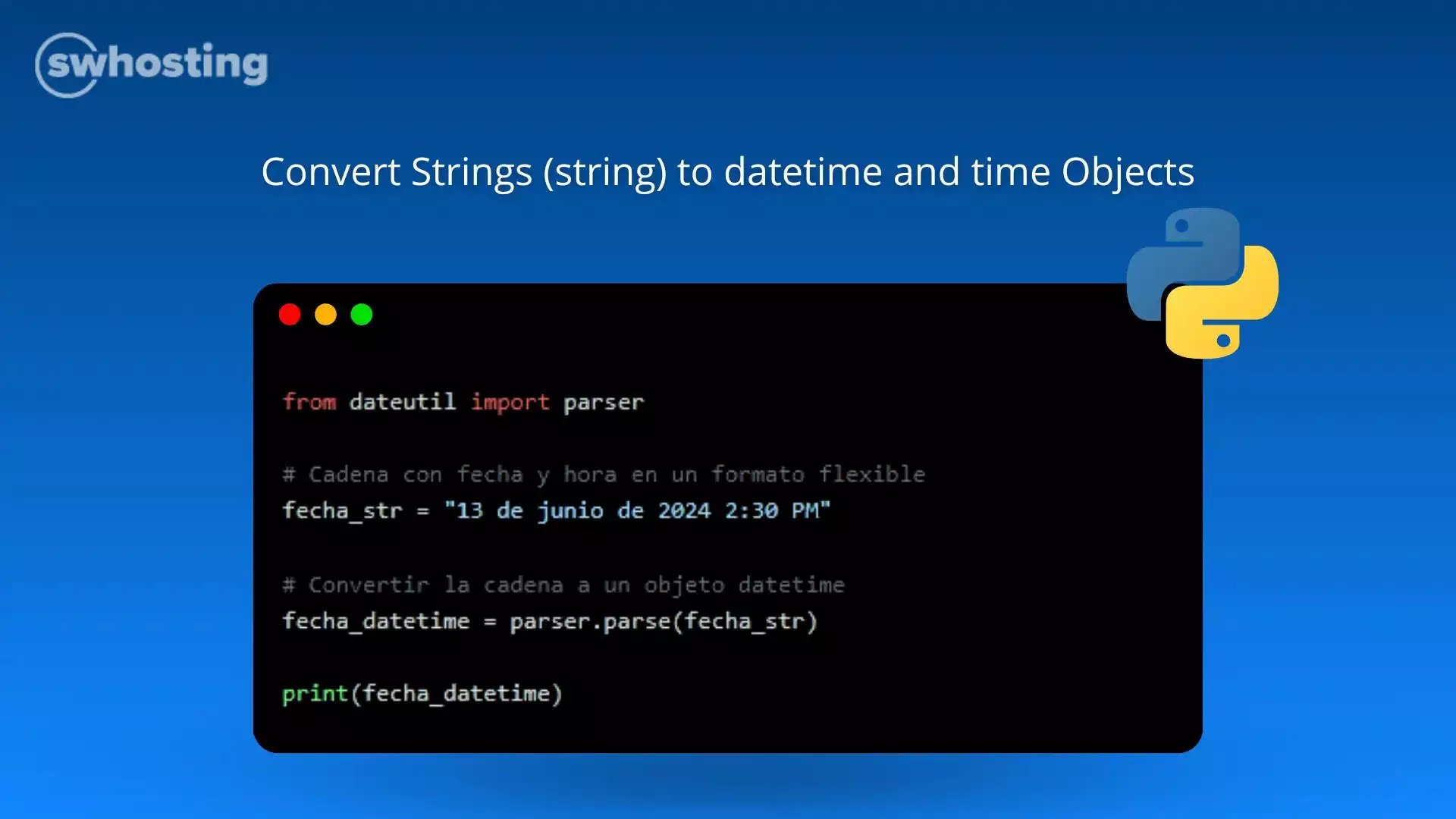
The dateutil module provides a parser.parse function that can automatically interpret many date and time formats without the need to specify the exact format. Here is an example:
from dateutil import parser

# Time and date string in a flexible format
fecha_str = "13 de junio de 2024 2:30 PM"

# Convert string to datetime object
fecha_datetime = parser.parse(fecha_str)

print(fecha_datetime)
The parse function is very useful when you work with data in various formats and do not want to manually specify the format each time.

Get the most out of your project with the fastest disks and most powerful CPUs in the Cloud.
Converting strings to datetime or time objects in Python is an essential skill for any developer handling temporal data. The datetime module and the dateutil library provide powerful and flexible tools to perform these conversions efficiently. With this knowledge, you will be able to manipulate dates and times in your applications with ease and accuracy.
You are now ready to work with dates and times in Python in a professional manner. Good luck in your programming projects!


